
Best AI Stack for 2026: Top Tools for Content Creators
The Evolution of Content Creation in 2026
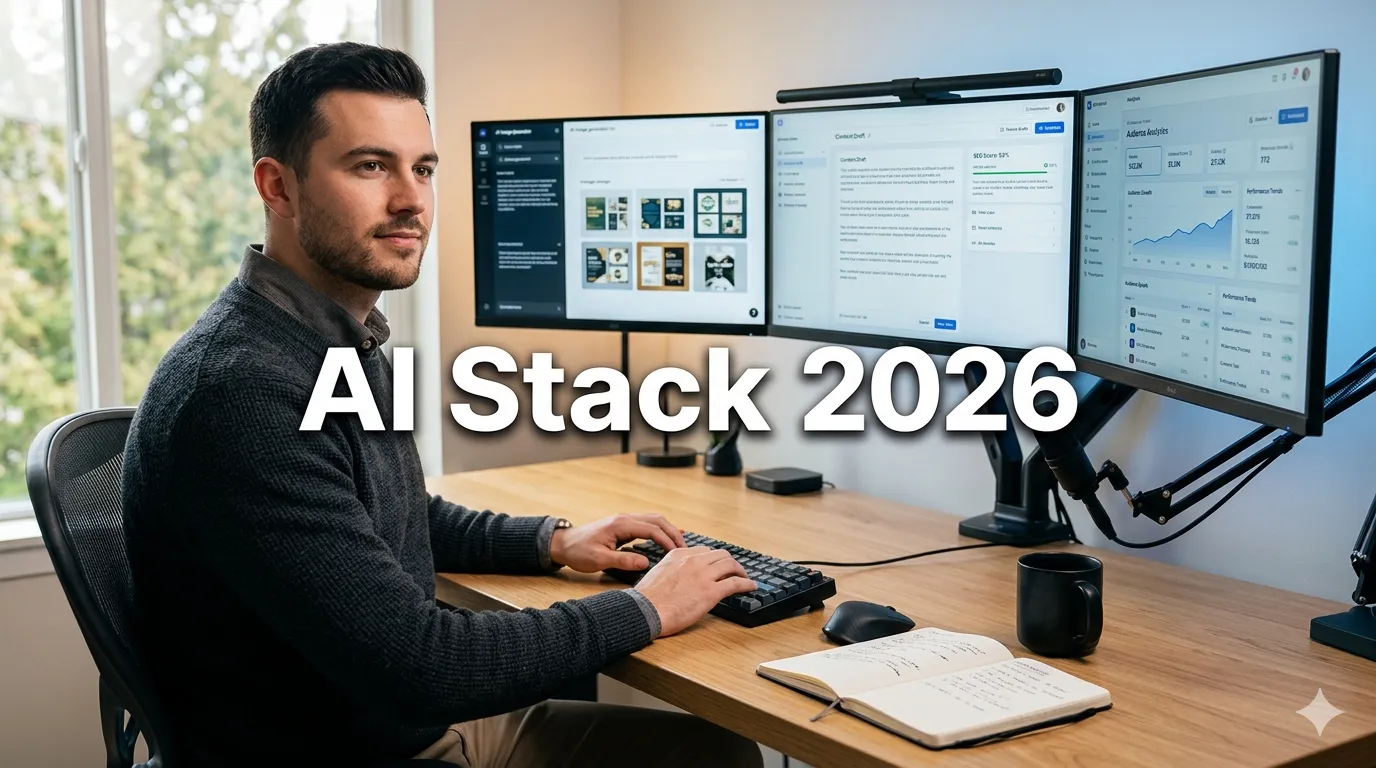
The landscape of content creation has shifted dramatically as we move through 2026. What once required large teams, expensive software suites, and weeks of production time can now be accomplished by individual creators using sophisticated artificial intelligence tools. The modern content creator no longer competes solely on output volume but on strategic AI integration, workflow efficiency, and the unique human perspective that technology cannot replicate.
Building an effective AI stack is no longer optional for serious bloggers and content creatorsandmdash;it is essential for survival in a saturated digital ecosystem. However, the sheer number of available tools can be overwhelming. New platforms launch weekly, promising revolutionary capabilities, while established tools continuously evolve with new features. The challenge lies not in finding AI tools, but in curating a cohesive stack that integrates seamlessly, respects your budget, and amplifies your unique voice rather than replacing it.
Why an AI Stack Matters in 2026:
- Efficiency: Automate repetitive tasks to focus on strategy and creativity
- Quality: Leverage AI editing and enhancement for professional-grade output
- Scalability: Produce more content without sacrificing quality or burning out
- Competitive Edge: Stay ahead of algorithm changes and audience expectations
- Data-Driven Decisions: Use AI analytics to optimize content performance
This comprehensive guide explores the ultimate AI stack for 2026, categorizing tools by function, evaluating their real-world utility, and providing actionable advice on building a workflow that serves your specific content goals. Whether you are a solo blogger, a YouTube creator, or managing a content team, these insights will help you navigate the AI revolution with confidence.
Defining Your AI Stack: Core Categories
Before diving into specific tools, it is crucial to understand the functional categories that make up a complete content creation stack. A balanced AI ecosystem addresses every stage of the content lifecycle, from ideation to distribution.
The Five Pillars of a Creator AI Stack:
- Ideation and Research: Tools that help generate topics, analyze trends, and understand audience interests.
- Writing and Editing: AI assistants for drafting, refining, and polishing written content.
- Visual and Design: Platforms for creating images, thumbnails, infographics, and brand assets.
- Video and Audio: Solutions for recording, editing, enhancing, and repurposing multimedia content.
- SEO and Distribution: Systems for optimizing content for search engines and automating publishing workflows.
Not every creator needs tools in every category immediately. Start by identifying your biggest bottlenecks. If writing takes too long, prioritize writing assistants. If thumbnails are weak, focus on design AI. Build your stack incrementally to avoid tool fatigue and unnecessary expenses.
Top AI Writing and Editing Tools for 2026
Written content remains the backbone of blogging and many social media strategies. In 2026, AI writing tools have evolved beyond simple text generation to become sophisticated editing partners that understand tone, context, and SEO requirements.
1. Advanced Large Language Models (LLMs)
General-purpose LLMs serve as the foundation of most writing workflows. In 2026, the leading models offer improved reasoning, reduced hallucinations, and better long-form coherence.
Top Choices:
- Claude 3.5 Sonnet: Known for nuanced writing style and excellent long-context understanding. Ideal for drafting blog posts, emails, and scripts that require a human touch.
- GPT-4o: Versatile and widely integrated. Excellent for brainstorming, outlining, and tasks requiring multimodal input (analyzing images or charts).
- Google Gemini Advanced: Strong integration with Google Workspace. Perfect for creators deeply embedded in the Google ecosystem.
Best Use Cases: Outlining articles, overcoming writerand#39;s block, rewriting sections for clarity, and generating meta descriptions.
Pro Tip: Never publish raw AI output. Use these models as drafting assistants, then inject your personal experiences, opinions, and unique voice to ensure authenticity and EEAT compliance.
2. Specialized AI Writing Assistants
Unlike general LLMs, these tools are trained specifically on marketing and content creation data, offering templates and workflows tailored to bloggers.
Top Choices:
- Jasper: Robust brand voice training and collaborative features. Great for teams maintaining consistent tone across multiple channels.
- Copy.ai: Excellent for short-form content like social media captions, ad copy, and product descriptions.
- Writesonic: Strong SEO integration and affordable pricing tiers for solo creators.
Key Features to Look For: Brand voice customization, plagiarism checking, SEO optimization, and integration with your CMS (WordPress, Webflow, etc.).
3. AI Editing and Proofreading
Even the best drafts need refinement. AI editing tools catch grammatical errors, suggest style improvements, and ensure readability.
Top Choices:
- Grammarly Premium: The industry standard for grammar and tone checks. The 2026 version includes advanced clarity suggestions and genre-specific writing style checks.
- ProWritingAid: Deep dive into writing mechanics, perfect for long-form content like ebooks or comprehensive guides.
- Hemingway Editor: Focuses on readability and sentence structure, helping you write bold, clear content.
Integration Strategy: Install browser extensions for real-time feedback in Google Docs or WordPress. Run final drafts through these tools before publishing to catch overlooked errors.
Visual Content Creation: AI Design Tools
Visual appeal is critical for click-through rates and engagement. In 2026, AI design tools have democratized graphic design, allowing creators to produce professional assets without hiring designers.
1. AI Image Generation
Creating unique visuals for blog posts and social media is faster than ever with generative AI.
Top Choices:
- Midjourney v7: Produces the most artistic and photorealistic images. Ideal for featured images, concept art, and creative visuals.
- DALL-E 3: Excellent prompt understanding and integration with ChatGPT. Great for specific, detailed image requests.
- Adobe Firefly: Commercially safe images trained on Adobe Stock. Best for creators concerned about copyright and licensing.
Ethical Consideration: Always disclose AI-generated images where appropriate, especially in news or documentary contexts. Ensure you have commercial rights to use generated images for monetized content.
2. Graphic Design and Layout
Beyond generating images, you need tools to assemble graphics, add text, and create branded layouts.
Top Choices:
- Canva Pro: The all-in-one solution for social media graphics, presentations, and documents. Its Magic Studio features automate resizing, background removal, and design suggestions.
- Adobe Express: Powerful alternative with deep integration into the Adobe ecosystem. Excellent for quick edits and templated designs.
- Desygner: Affordable option with strong PDF editing capabilities and template library.
Workflow Tip: Create brand kits in these platforms with your logo, color palette, and fonts. This ensures consistency across all visual content without manual adjustment every time.
3. Thumbnail and Cover Art
For video creators and bloggers, thumbnails determine click-through rates. AI tools optimize these for maximum impact.
Top Choices:
- Canva Thumbnail Maker: Templates optimized for YouTube and blog headers.
- Adobe Express Thumbnail Creator: AI-driven design suggestions based on high-performing thumbnails.
- Fotor: Specialized photo editing with AI enhancement for making faces pop in thumbnails.
Video and Audio Production AI
Video content dominates engagement metrics in 2026. AI has revolutionized video production, making editing accessible and efficient for creators without technical expertise.
1. AI Video Editing
Editing is traditionally the most time-consuming part of video creation. AI automates cutting, transitions, and even content selection.
Top Choices:
- Descript: Edit video by editing text. Transcribes your footage, allowing you to delete words from the transcript to cut the video. Includes AI voice cloning and eye contact correction.
- Adobe Premiere Pro with AI: Professional-grade editing with AI-powered features like auto-reframe, scene edit detection, and color matching.
- CapCut Desktop: Free, powerful editor with trendy AI effects, auto-captions, and smooth transitions perfect for social media.
Time Savings: Creators report reducing editing time by 50-70% using AI-assisted tools like Descript for talking-head videos.
2. AI Voiceovers and Audio Enhancement
Not every creator wants to use their own voice, and poor audio quality can ruin great content. AI solves both issues.
Top Choices:
- ElevenLabs: Industry-leading AI voice generation. Creates realistic, emotive voiceovers in multiple languages. Ideal for faceless channels or narration.
- Adobe Podcast Enhance: Free tool that transforms poor-quality recordings into studio-grade audio. Removes background noise and echo magically.
- Audacity with AI Plugins: Open-source audio editor enhanced with AI noise reduction and effect plugins.
Best Practice: If using AI voices, disclose this to your audience. Transparency builds trust, especially as voice cloning technology becomes indistinguishable from human speech.
3. Video Repurposing
Maximize content ROI by turning long-form videos into short clips for social media.
Top Choices:
- Opus Clip: Automatically identifies viral moments in long videos and creates vertical clips with captions.
- Munch: Analyzes trends to suggest which clips will perform best on specific platforms like TikTok or Instagram Reels.
- Vidyo.ai: Customizable templates for repurposing content across multiple social channels.
SEO and Content Optimization Tools
Creating great content is only half the battle; ensuring it gets found is equally critical. AI-powered SEO tools analyze search intent, optimize keywords, and predict performance.
1. Keyword Research and Intent Analysis
Understanding what users search for and why is fundamental to SEO success.
Top Choices:
- Semrush: Comprehensive suite for keyword research, competitor analysis, and site auditing. Its AI writing assistant integrates directly with research data.
- Ahrefs: Powerful backlink analysis and keyword explorer. Essential for understanding competitive landscapes.
- AnswerThePublic: Visualizes search questions and prepositions. Great for finding long-tail keyword ideas and FAQ content.
2026 Trend: Focus on search intent over keyword density. AI tools now analyze SERP features to suggest content structures that match what Google rewards.
2. On-Page Optimization
Ensure your content is technically optimized for search engines before publishing.
Top Choices:
- Surfer SEO: Analyzes top-ranking pages and provides a content editor with real-time optimization scores. Tells you exactly which terms to include.
- Clearscope: Similar to Surfer, with a focus on content relevance and readability grades.
- RankMath Pro: WordPress plugin with AI-powered content analysis and schema markup generation.
Integration: Use these tools during the drafting phase, not just after. Optimizing as you write saves revision time later.
3. Performance Tracking and Analytics
AI helps interpret analytics data, providing actionable insights rather than just numbers.
Top Choices:
- Google Analytics 4 with AI Insights: Automatically highlights trends, anomalies, and audience segments.
- Search Console: Essential for monitoring indexing, clicks, and search queries. Use AI tools to interpret query data for content updates.
- Hotjar: Heatmaps and session recordings show how users interact with your content, revealing UX issues.
Workflow Automation and Management
An AI stack is only effective if the tools work together. Automation platforms connect your apps, reducing manual data entry and ensuring smooth workflows.
1. Automation Platforms
Connect your writing, design, and publishing tools to create seamless pipelines.
Top Choices:
- Zapier: The most versatile automation tool. Connects thousands of apps. Example: When a blog post is published, automatically share it on social media.
- Make (formerly Integromat): More complex workflows with visual builders. Better for multi-step automations.
- Notion AI: All-in-one workspace for planning, writing, and managing content calendars with AI assistance built-in.
Example Workflow: RSS feed new post andrarr; Zapier andrarr; Buffer (schedule social posts) andrarr; Slack (notify team) andrarr; Google Sheets (log publication).
2. Content Calendar and Project Management
Stay organized and consistent with AI-enhanced planning tools.
Top Choices:
- Asana with AI: Automates task assignments, summarizes project updates, and predicts timelines.
- Trello: Visual boards for content pipelines. Use Power-Ups for AI card generation.
- ClickUp: Robust features for teams, including AI writing and summarization within tasks.
Building Your Custom AI Stack: Budget Tiers
Not every creator has the same budget. Here is how to build an effective stack at different investment levels.
Starter Stack (Under $50/Month)
- Writing: ChatGPT Free or Google Gemini
- Design: Canva Free
- SEO: Google Search Console + Ubersuggest Free
- Video: CapCut Free
- Automation: Zapier Free Plan
Focus: Master the fundamentals before upgrading. Free tools are surprisingly capable in 2026.
Growth Stack ($50-$200/Month)
- Writing: Jasper or Copy.ai
- Design: Canva Pro or Adobe Express
- SEO: Surfer SEO or Semrush
- Video: Descript or Premiere Rush
- Automation: Zapier Starter
Focus: Increase output quality and efficiency. Invest in tools that save the most time.
Pro Stack ($200+/Month)
- Writing: Multiple LLM subscriptions + specialized editors
- Design: Adobe Creative Cloud + Midjourney
- SEO: Ahrefs + Clearscope
- Video: Premiere Pro + ElevenLabs
- Automation: Make Pro or Zapier Team
Focus: Maximum efficiency, team collaboration, and competitive advantage.
Best Practices for AI Integration
Using AI effectively requires more than just subscribing to tools. It demands a strategic approach that prioritizes quality and ethics.
1. Maintain Human Oversight
AI is a tool, not a replacement for human judgment. Always review AI-generated content for accuracy, tone, and alignment with your brand values. Fact-check all claims, especially in YMYL (Your Money Your Life) niches.
2. Protect Your Data
Be cautious about inputting sensitive or proprietary information into public AI models. Use enterprise versions of tools that offer data privacy guarantees if working with confidential client information.
3. Avoid Over-Automation
Automation is powerful, but too much can make your content feel robotic. Maintain personal touches in emails, social media interactions, and community management. Authenticity builds loyalty.
4. Stay Updated
AI tools evolve rapidly. Dedicate time monthly to explore new features or emerging tools. What was best-in-class six months ago may be outdated today.
FAQs About AI Stacks for Content Creators
Is it worth paying for AI tools when free versions exist?
Yes, if you value time and advanced features. Paid versions typically offer higher usage limits, better quality models, commercial rights, and priority support. For professional creators, the ROI from time saved and quality improved justifies the cost. Start with free tools, then upgrade when you hit limitations.
Will using AI hurt my SEO rankings?
No, not if used correctly. Google rewards helpful, high-quality content regardless of how it is created. However, low-effort, spammy AI content can be penalized. Focus on adding unique value, expertise, and human insight to AI-generated drafts. Use AI for efficiency, not replacement.
How do I choose between similar AI tools?
Test free trials of top contenders. Evaluate based on ease of use, output quality, integration with your existing workflow, and customer support. Read recent reviews from users in your specific niche, as tool performance can vary by use case.
Can AI replace my content team?
AI can augment your team but not fully replace human creativity and strategy. Use AI to handle repetitive tasks, allowing your team to focus on high-level strategy, creative direction, and community engagement. The best results come from human-AI collaboration.
What is the biggest mistake creators make with AI?
Publishing raw AI output without editing. This leads to generic, soulless content that fails to connect with audiences. Always treat AI drafts as first drafts that require your unique voice, experiences, and expertise to become publishable.
Conclusion: Building Your Future-Proof Creator Stack
The ultimate AI stack for 2026 is not about having the most toolsandmdash;it is about having the right tools that work harmoniously to amplify your unique capabilities. By strategically integrating AI into your writing, design, video, and SEO workflows, you can produce higher quality content more efficiently while maintaining the authentic human connection that audiences crave.
Start small, experiment with different combinations, and refine your stack as your needs evolve. Remember that technology is an enabler, not the end goal. Your voice, perspective, and value proposition remain the core of your success. AI simply removes the friction between your ideas and their execution.
As we move further into 2026, the creators who thrive will be those who master the balance between technological efficiency and human authenticity. Build your stack wisely, stay curious, and keep creating. The future of content creation is bright, and it is powered by you and your intelligent tools.